What Is an Agent Form?
A new category of form — one that doesn't just collect a response, but finishes the job that response was for.
Definition
An Agent Form is a form that, in addition to collecting a response, triggers one or more AI agents to complete the resulting task automatically — enriching the submission with outside data, qualifying or scoring it, routing it to the right person, drafting a reply, and notifying your team. Where a traditional form ends with a row in a spreadsheet, an Agent Form ends with a finished task.
From paper forms to Agent Forms
Forms have evolved in five distinct stages. Each stage solved a real problem — but until now, every one of them stopped at the same point: the moment a response was collected.
Paper forms
Filled out by hand, filed in cabinets, processed entirely by people. Every step — collection, review, follow-up — is manual.
Web forms
Google Forms and early form tools digitized collection. Responses land in a spreadsheet, but every step after that is still manual.
Drag-and-drop form builders
Typeform, Jotform, and Tally added conditional logic and polished design. Better experience for the respondent — but the response still just sits there until a human acts on it.
AI form builders
AI starts generating the form itself — describe what you need and get a complete, styled form in seconds. Building got faster. Processing responses didn't change.
Agent Forms
AI doesn't stop at the form. It reads every response, decides what it means, and finishes the task — enrich, qualify, route, draft, notify — automatically.
How an Agent Form works, end to end
Take a lead capture form with the "AI Lead Qualifier" recipe attached. Here's exactly what happens from the moment someone submits it.
Design the form
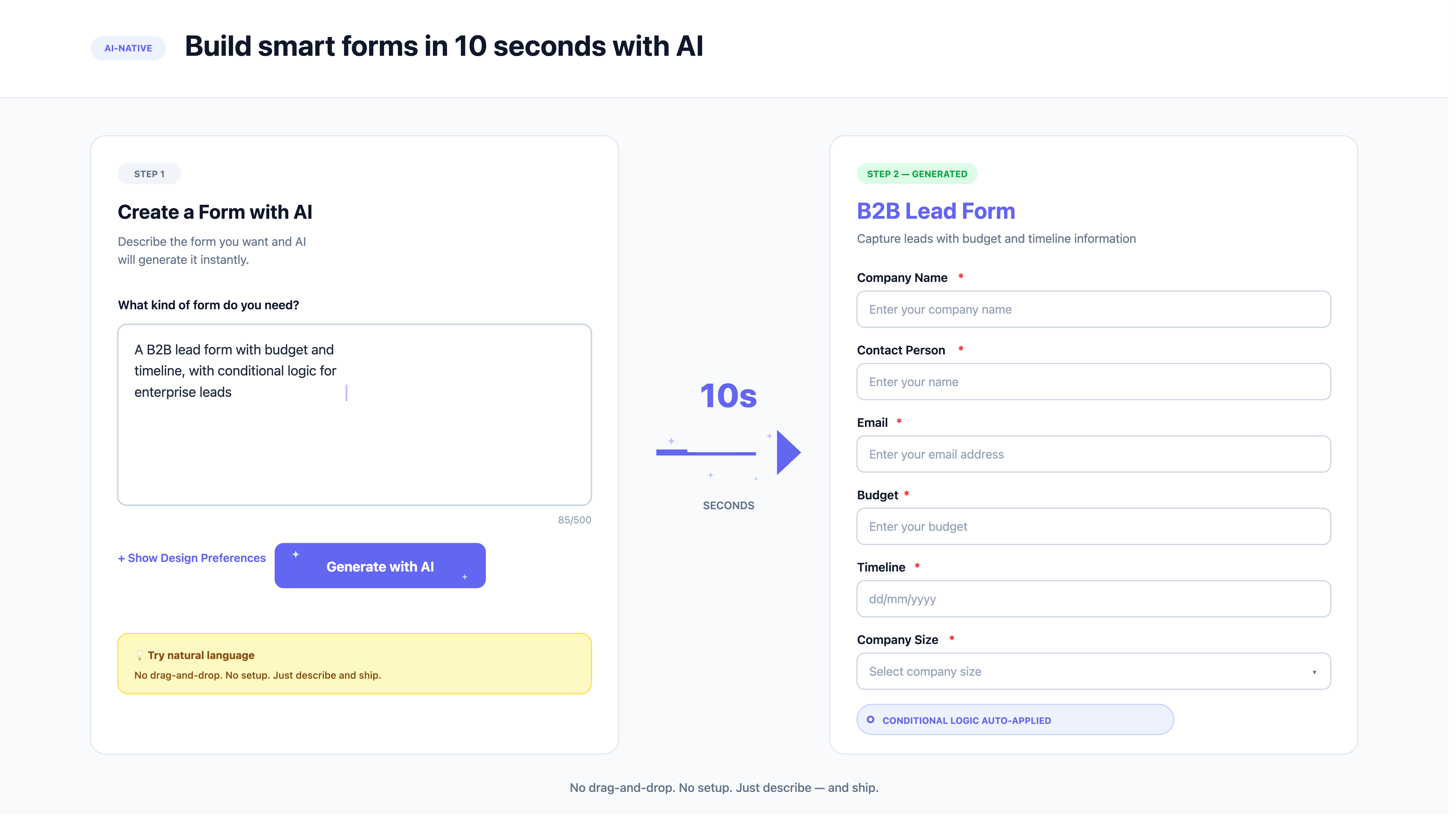
Describe the form you need — a lead capture form, a support intake form, a job application — and AI generates the fields, validation, and design.
Attach agent actions
Choose one or more recipes from the library — for example, 'AI Lead Qualifier' — and attach them to the form. No configuration beyond a toggle.
A response comes in
A visitor fills out the form and hits submit, exactly as they would on any other form.
Agents read and enrich
The agent reads the response and adds context — company size, role, intent — pulled from the data already in the submission.
Agents decide
Based on the enriched data, the agent scores, classifies, or qualifies the response against the criteria defined in the recipe.
Agents act
The agent drafts a reply, creates a record, routes the submission to the right person or team, and sends notifications — all before a human opens their inbox.
Total elapsed time: a few seconds. No one on the sales team had to open the spreadsheet, read the submission, decide who should own it, or write the first reply — the Agent Form already did.
Agent Form vs form builder vs AI form builder
"AI" gets attached to a lot of form tools. The real dividing line isn't whether AI helps build the form — it's whether AI does anything with what comes back.
| Capability | Form Builder | AI Form Builder | Agent Form |
|---|---|---|---|
| Builds and styles the form | ✅ Yes | ✅ Yes, from a description | ✅ Yes, from a description |
| Generates fields with AI | ❌ Manual | ✅ Yes | ✅ Yes |
| Reads and understands responses | ❌ No | ❌ No | ✅ Yes |
| Scores, qualifies, or classifies responses | ❌ No | ❌ No | ✅ Yes |
| Drafts replies automatically | ❌ No | ❌ No | ✅ Yes |
| Routes and notifies without a separate tool | ❌ Needs Zapier/Make | ❌ Needs Zapier/Make | ✅ Built in |
Agent Form vs Zapier-style workflow automation
It's a fair question: isn't this just Zapier with extra branding? The two solve overlapping problems, but they work in fundamentally different ways.
Workflow automation tools like Zapier and Make connect apps using fixed rules: when a new row appears in this sheet, send this email. The rule doesn't change based on what's actually in the row — it fires the same way whether the lead is a perfect fit or completely irrelevant. Anything that requires judgment — how urgent is this ticket, how qualified is this lead, what should the reply actually say — still falls back to a human.
Agent Forms make that judgment call. The agent reads the actual content of the response, reasons about it against criteria you define, and then acts — choosing a priority level, a routing destination, or the wording of a reply based on what was actually submitted, not just whether a field was filled in.
There's also a structural difference. A Zapier workflow is a second system you build, name, and maintain separately from your form — and it tends to drift out of sync as the form changes. An Agent Form's agent actions live attached to the form itself. When you update the form, the agent already sees the new fields. There's nothing else to keep in sync.
None of this means workflow tools disappear — an Agent Form can still hand off to Zapier for integrations the recipe library doesn't cover yet. But the decisions that used to require a human, or a carefully maintained set of automation rules, now happen natively, the moment the form is submitted.
Agent Forms in the wild
Six examples of forms that finish their own job — explore the full recipe library on the Agent Forms page.
AI Lead Qualifier
Scores, enriches, and routes inbound leads with a drafted intro email.
Support Ticket Triage
Classifies, prioritizes, and routes tickets with a drafted first response.
Job Screener
Scores applicants against the role and books screening calls automatically.
NPS Auto-Triage
Flags detractors and drafts a win-back email before they churn.
Demo Request Handler
Enriches the request and books a meeting on the spot.
Customer Interview Synthesizer
Summarizes and tags open-ended responses for product teams.